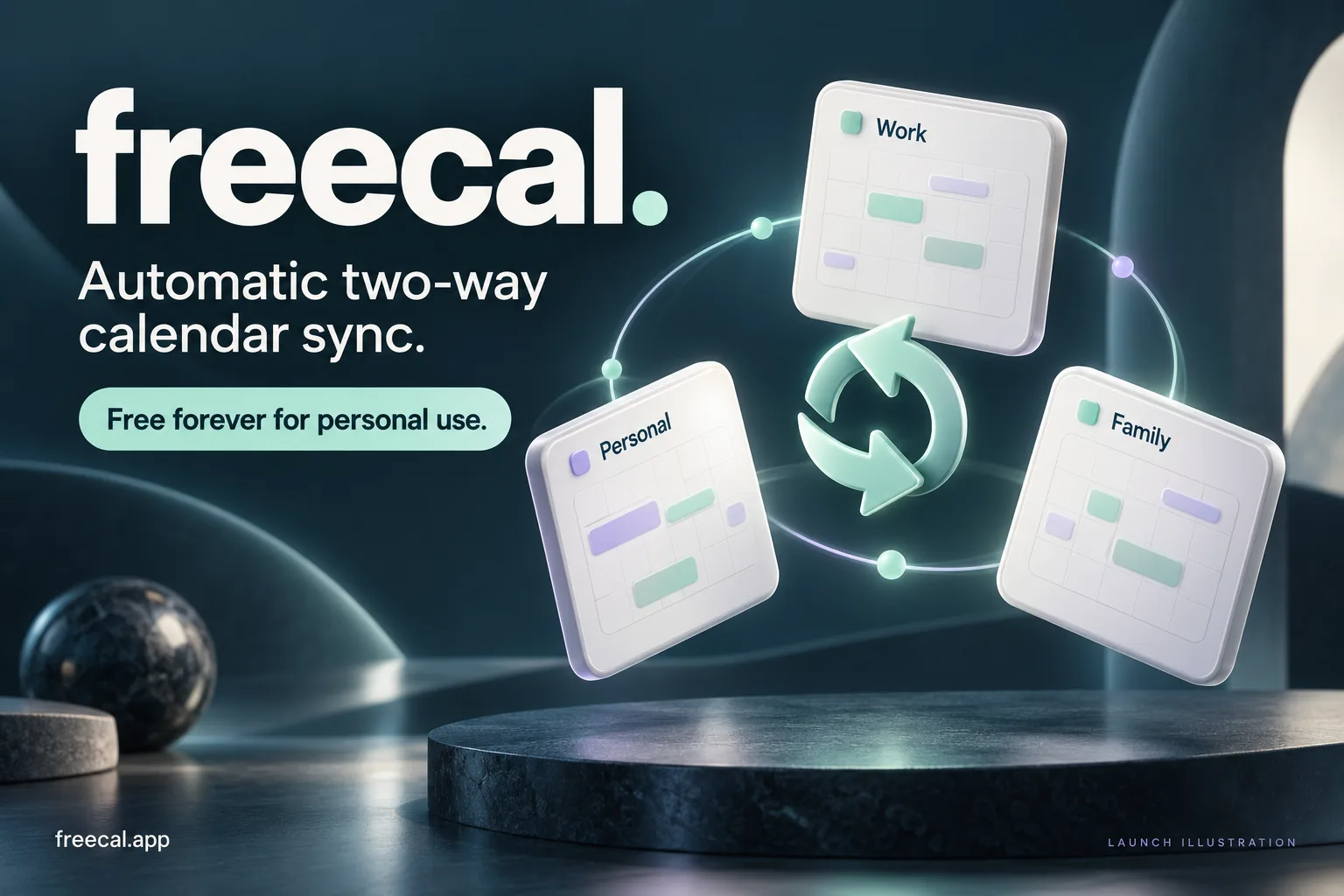
Work and life
Keep personal commitments visible in the calendar you use for work, with the detail you choose to share.
 VSBLTY TECH
Try Freecal (opens in a new tab)
VSBLTY TECH
Try Freecal (opens in a new tab)
Meet Freecal
A work account. A personal account. A day that belongs to both. Keep your Google and Outlook calendars together, without doing the same work twice.
Free forever for personal use.
One person. More than one calendar.
You move a meeting in your work calendar. Then you remember the copy in your personal one. A cancellation means another small cleanup. A new commitment means another place to block the time.
None of it is difficult. All of it adds up. Freecal takes on the repeated work of keeping connected calendars in step, so your next decision starts with a clearer picture of your day.
Keep personal commitments visible in the calendar you use for work, with the detail you choose to share.
Connect calendars across Google and Outlook without moving every event to a new home.
Carry additions, edits and cancellations through the connected calendars as plans change.
The everyday idea
Connect accounts, choose calendars, and bring them into a sync group. Freecal provides automatic two-way sync, carrying event changes between the calendars in your group.
Google · source
This time is clear.
Outlook · copy
This time is clear.
Google · copy
This time is clear.
The event appears in the source calendar and both copies.
Interactive illustration with example events.
A calendar can belong to more than one group. Overlapping groups can connect a wider network of calendars, so choose memberships with care.
Share the time. Choose the detail.
Choose one sharing mode for a sync group. Copies can carry the event’s full details, or replace its title with Busy or Blocked. Masked copies leave out the description and location.
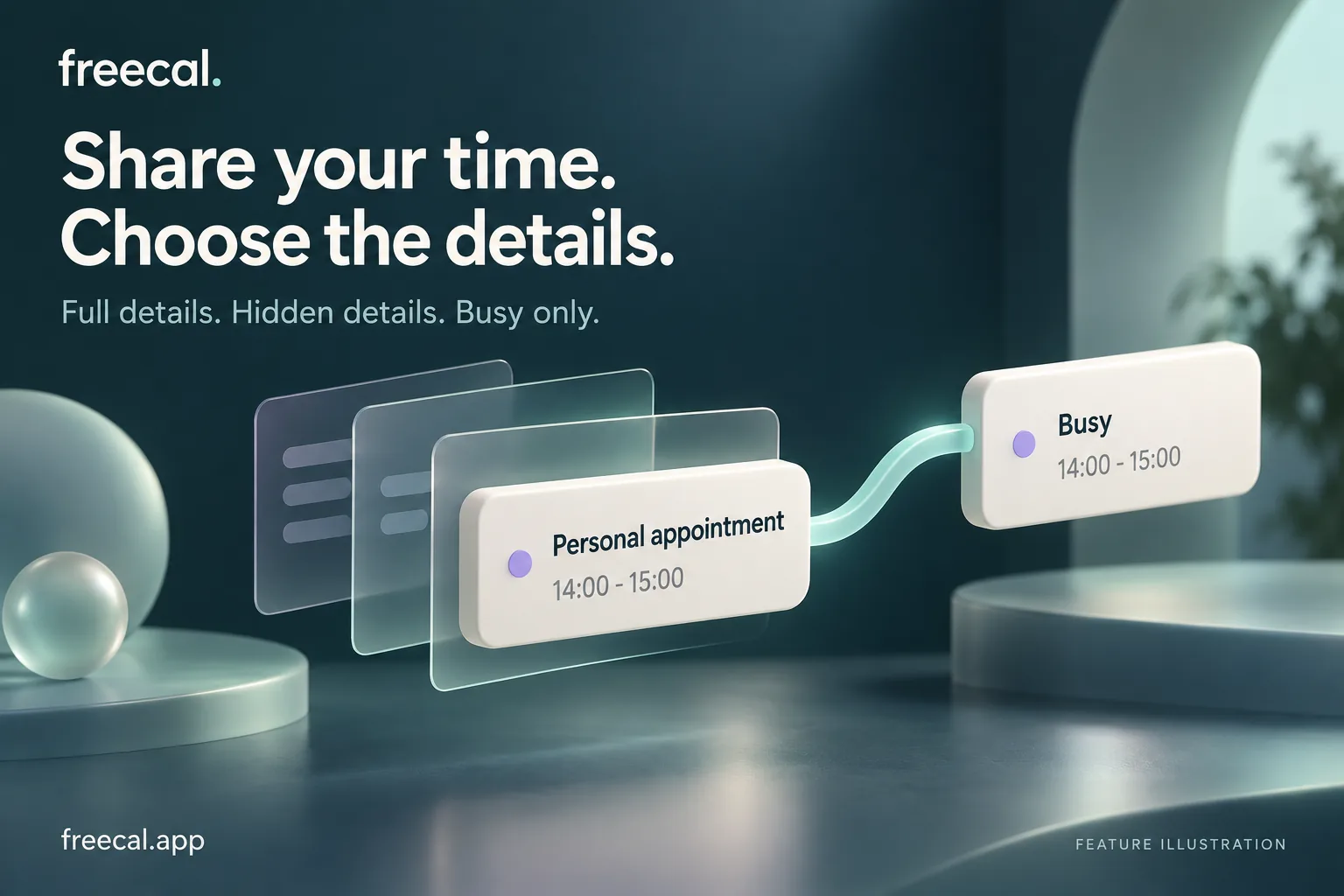
The original event keeps its details in its source calendar. The sharing mode applies to the group, rather than separate rules for each calendar.
Built around the way days actually work
Common recurring schedules, changes to individual occurrences and cancellations are part of the sync model. Keep repeating plans connected as the week changes.
All-day events are handled as dates, rather than treated as ordinary meetings starting at midnight.
Calendar time zones are part of the event model. The aim is to keep the same commitment meaningful across the accounts where you see it.
A simple experience needs careful machinery
Calendar sync is more than copying a title and a time. Providers send different signals. Permissions expire. The same event comes back through another account. Freecal is built around those realities.
A provider notification tells Freecal to look for a change. The calendar is read to understand what actually happened.
Google sync tokens support incremental reads. Outlook notifications identify changed events, with full calendar reconciliation as a recovery path when needed.
Durable jobs preserve pending changes across retries and follow-up batches. A temporary failure can be worked through without depending on one uninterrupted request.
Origin and copy identities help prevent sync loops. Freecal needs to tell a new change apart from the event it just wrote somewhere else.
Provider notifications trigger background work. Periodic recovery checks help catch missed changes.
From our own calendars to yours
We needed our calendars to agree with one another. The work was ordinary. The repetition was unnecessary.
Freecal started with that need inside our own team. Building the tool meant looking closely at the details: what happens when an event moves, what a copy should reveal, and how the system recovers when a provider stops answering.
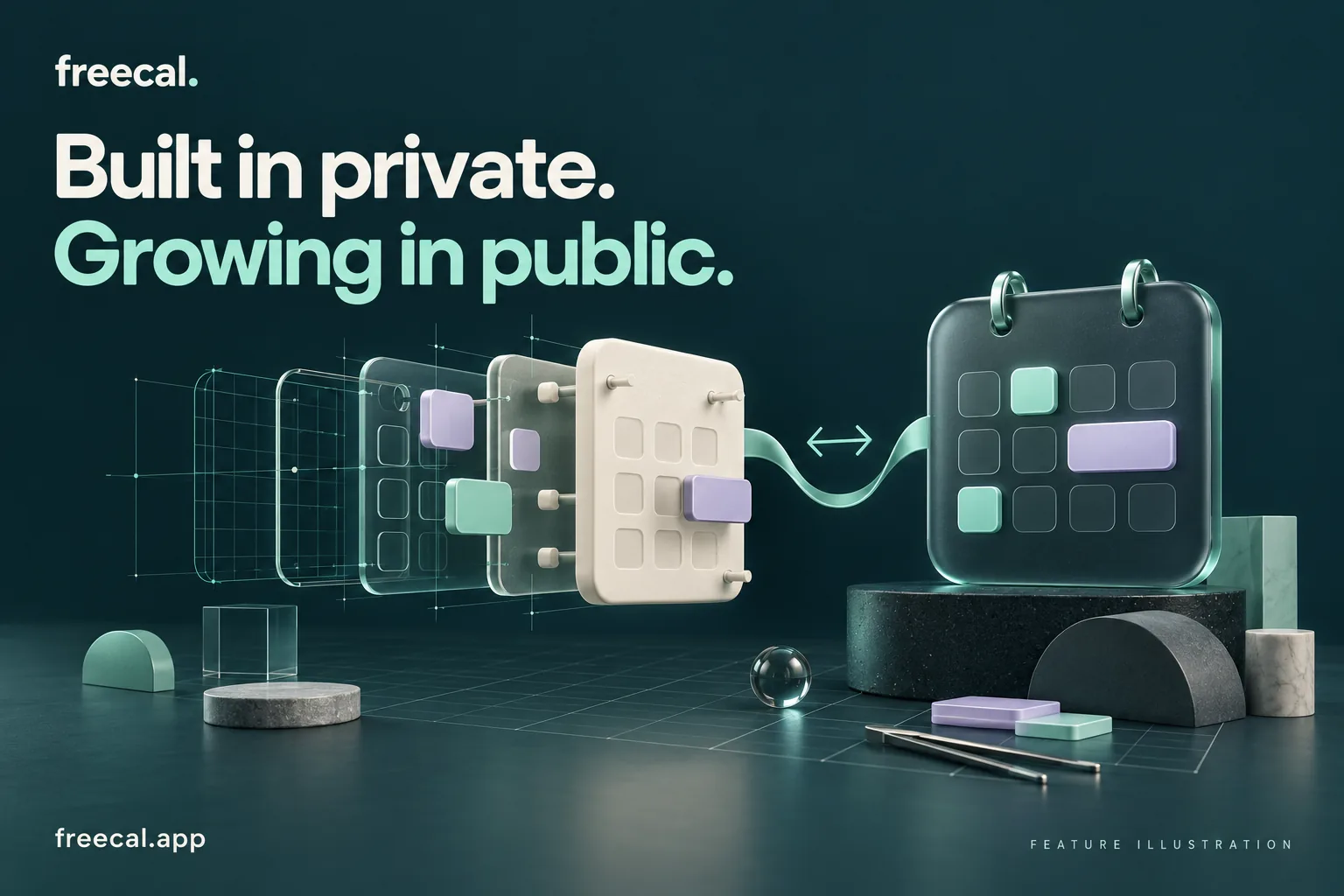
We’re building Freecal in public, sharing the thinking behind the product as it grows. A useful internal tool becomes more useful when other people can bring their own calendar problems to it.
A useful thing should be easy to choose
That’s the promise for Freecal’s personal use. Bring the calendars you already have. Keep the way you already plan. Let the connections do some of the repeated work.
Try Freecal (opens in a new tab)
Made by VSBLTY Tech
Freecal is part of VSBLTY Tech, the product-building side of the VisibilityLabs family. We conceive, engineer, ship and operate software with the whole system in view.
Our sister studio, VisibilityLabs, brings that craft to custom software and business operations. Freecal brings it to a small, recurring piece of everyday life.
Explore the family’s productsA few useful answers
Calendars hold real commitments. It helps to know what a connection changes.
Freecal supports Google Calendar and Microsoft Outlook calendar connections. Available calendars and actions depend on the account permissions you grant and the provider’s access rules.
Freecal is free forever for personal use. Visit Freecal to connect your accounts and see the current product.
A sync group brings selected calendars together so event changes can propagate between them. A calendar can belong to more than one group; overlapping memberships can form a larger connected network.
Yes. Choose Full details, Busy or Blocked for the group. Busy and Blocked replace the title on copies and remove their description and location. The original event retains its details. The mode applies to the group, rather than independently to each calendar.
A deletion can remove the original event and its synced copies. Sync keeps calendars connected; it is not a backup. Check the group memberships before deleting an event you need to keep elsewhere.
Freecal handles common recurring schedules, individual occurrence edits and cancellations, and all-day events. Providers express recurrence differently. Unsupported Outlook recurrence patterns are rejected instead of being silently converted to a different schedule.
You may need to reconnect the account when provider authorization expires or is revoked. Sync also depends on provider notifications and availability, so changes may take time to appear.
Disconnecting removes that account’s calendars from sync groups, but existing events remain in the provider’s calendars. When deleting a group, you can choose whether to keep copies or clean them up.
A little less calendar keeping
Your calendars already hold the plans.
Give them a way to
stay together.